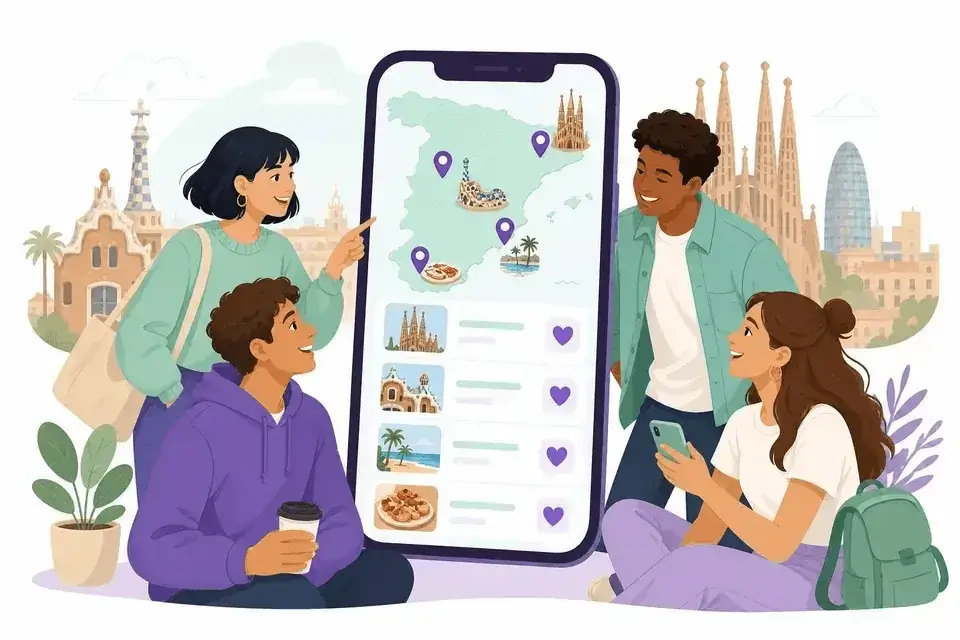
Travel wishlist on WishTo.pro: a shared list of places (Spain example)
Forty messages in the chat already: “let’s do Barcelona”, “no, Salou first”, “what about the Dalí museum?” — and someone drops another map screenshot that will vanish in a week. Familiar? For a trip together, one places wishlist beats an endless messenger thread: everyone adds what they want to see; what you agree on goes in the list — and you visit those spots together.
On WishTo.pro, wishlists were built for gifts — but the same flow works for a travel route: name, description, photo, ticket links, a rough price in euros, shared editing. Below: how to set it up, plus a live example — the “Spain” wishlist with places a group plans to visit. One list instead of a dozen tabs and voice notes — everyone sees the same picture of the trip.
Why a wishlist, not Telegram notes
One source of truth
In chat, “I want the Sagrada” sits next to a meme and a paella recipe. On the wishlist you keep only places — with a description, ticket price, and a link to the official site. No scrolling a year of messages to remember which park you meant.
Everyone adds their own
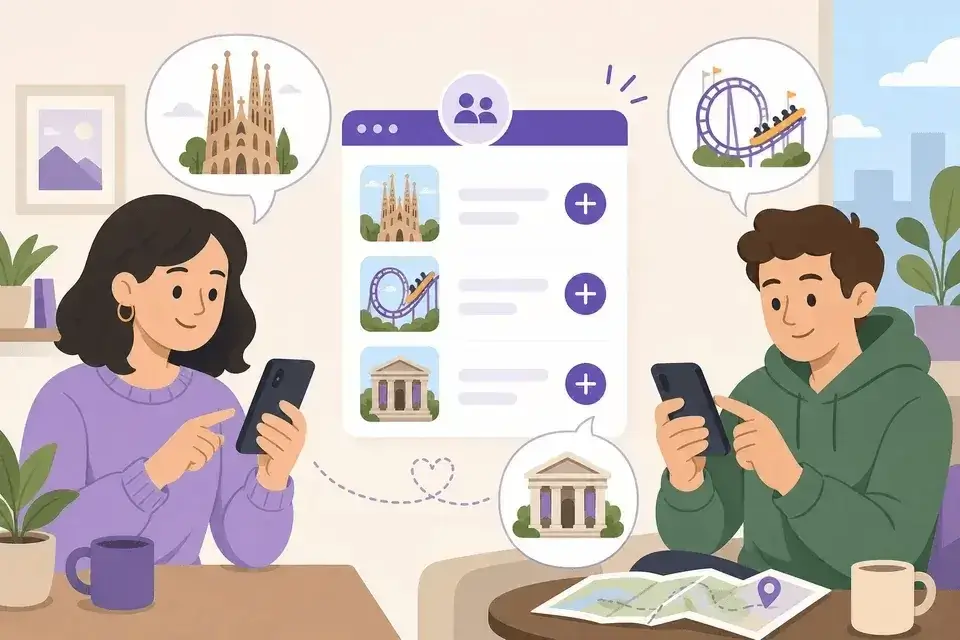
Edit access (a separate link in WishTo) is for the whole group. Someone wants the stadium, someone the theme park: you add items in parallel — no “DM me and I’ll type it in”.
Agreed places show in the list
After you talk it through, you mark items on the wishlist you’re definitely doing together (same control as for gifts; on a trip it simply means “this is our shared plan”). The rest stays “maybe”.
Google Maps gets you there. A wishlist helps you agree where you actually want to go — before you buy flights.
Already have a first city in mind? Create an empty list — friends can add their “wants” via the edit link.
Create a travel listLive example: the “Spain” wishlist on WishTo.pro
The Spain list: description — “Places that we intend to visit in our journey”; event date — 31 May 2026. Inside: Catalonia spots with photos, prices in EUR, and ticket links.
A few items you can open separately and see how it looks for guests:
- Sagrada Familia — ~70 EUR; description reminds you to book ahead; official tickets.
- PortAventura — ~33 EUR; PortAventura Park, Ferrari Land, Caribe Aquatic Park; Salou; portaventuraworld.com.
- Park Guell — Gaudí’s park in Barcelona; keep context in the item description even if you buy tickets later.
- Dalí Theatre-Museum in Figueres — surreal landmark in Figueres; tickets — dalimuseum.ticketsfigueres.com.
- Spotify Camp Nou — ~50 EUR; FC Barcelona’s stadium, under renovation — note in the item what’s open when you visit.
The pattern: place name → short description (why go, city, tips) → price in euros as entry guidance → link to map or tickets → photo so the list is easy to scan. That’s a travel wishlist, not a shopping cart.
How to build this list: step by step
More on wishlists in general — in our WishTo.pro guide. Here: the “trip with friends” scenario.
- Create a wishlist. Name it “Spain 2026” or similar; in the description say who’s going and that it’s a list of places, not gifts. In date, put a rough start or flight day.
- Add the first 2–3 places — no login required to start; for several lists and edits, register later.
- Send the group an edit link — in the wishlist menu: “Share link for editing”. Everyone adds ideas without waiting for a “chat secretary”.
- Fill fields in plain language. In price — ticket ballpark in EUR (or 0 if free). In link — museum, park, or ticket site. In description — “better in the morning”, “book a slot online”, “Figueres, half day”.
- Must-have — your personal “I really want this”; not the same as what the whole group already agreed.
- After a call or meet-up — mark the items you’re doing together. Fewer repeat arguments in chat about the same place.
What to put in each item (checklist)
- Sights — cathedrals, parks, museums (like in Spain).
- Fun — theme parks, matches, concerts; ticket price in EUR.
- Food and experiences — “paella by the port”, “wine tour”; no link needed, price in the description.
- Transit days — “day in Salou”, “trip to Figueres” — so logistics don’t slip.
- “Maybe” — items not marked “in the plan”; after a vote, mark or remove.
Try the same setup for your own trip abroad — the first place takes just a few minutes.
Build a wishlist for a trip abroadWhat a wishlist won’t replace (and that’s fine)
- A day-by-day map route — keep Maps or a planner for that; the wishlist is a “where we want” draft.
- Hotel booking — only a link in the description if you want everything in one place.
- Automatic calendar — the list date reminds you of the trip; hourly schedule you still agree yourselves.
Fair note: WishTo still speaks “wishes and gifts” in places. If the list description says these are places to visit, the group gets it — especially with a link to the Spain example.
Ready text for your group chat
Hi! We put together a shared list of places for our Spain trip: https://wishto.pro/en/wishlist/1CbPQ2yBWEXyqQNevqw51g. Add anything you want to see — I’ll send the edit link separately. Once we agree, we’ll mark what we’re doing together in the list. Prices in euros are rough, for tickets.
Common questions
Does everyone need an account?
To add places via an edit link depends on access settings; a public list by link is often viewable without login. For several trips, an account is easier for the organiser.
Why a price if it’s not a purchase?
The price field is generic. For travel it’s an entry cost guide (like 70 EUR for Sagrada Familia), not “someone must pay for a gift”.
One list for the whole country or several?
Your call: one “Spain” for the whole trip, or separate lists “Barcelona” / “Costa Brava” if you travel in different groups.
What about a gift list for the same occasion?
Sure. A “what to gift” list is the classic case; a places list sits beside it. For gifts — the guide; for a child’s birthday — a separate article.
Privacy and data via the link — wishlist privacy policy.
Start today
Don’t wait for a perfect twenty-stop route. Create a list, add one must-see place, and send the link to two friends. Tomorrow they might add PortAventura; you add the Dalí museum. The rest — after coffee and a quick vote.