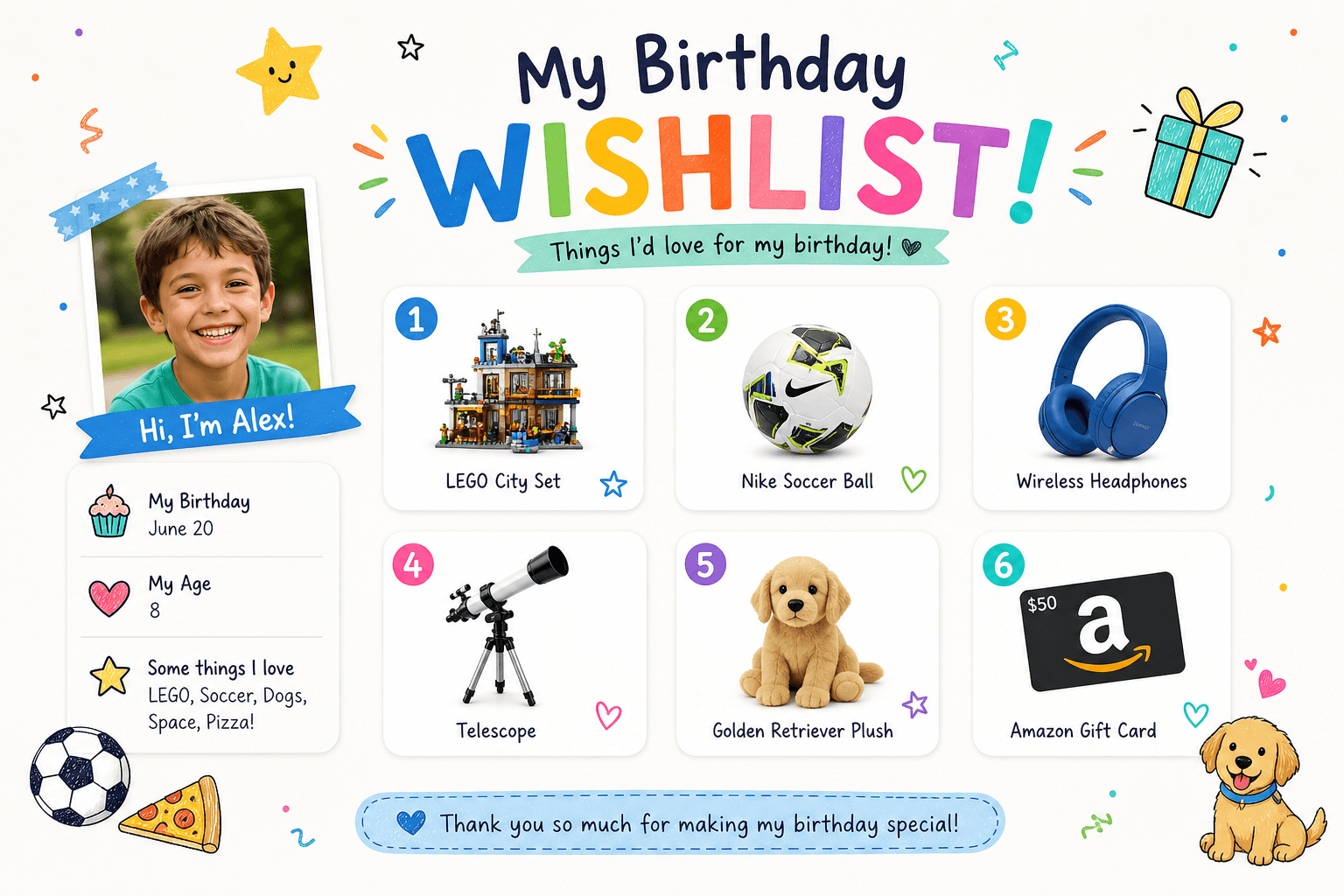
Birthday wishlist for kids: one link for parents and guests (no duplicate gifts)
A week before the birthday, the group chat asks for the third time: “What should we get?” You reply “oh, she loves books” — and grandma still shows up with the third identical building set, because someone gave the first one last year and nobody mentioned it in the chat. Sound familiar?
A birthday wishlist for kids is not a “demand list” — it’s one calm link for family and guests: what fits their age, clothing size, what’s already at home, and who has already “claimed” a gift so you don’t get duplicates. On WishTo.pro, parents build that list in minutes; guests open it without signing up and can reserve an item. Below: step-by-step for mum and dad, a short guide for grandparents and friends, plus copy-paste text for your chat.

Why parents need a separate list, not “DM me”
In a messenger, everything gets lost: someone suggested a LEGO set, someone else tickets to a museum, and you already bought books from the same series. A dedicated birthday gift list is a single source of truth: you thought once about what your child actually wants right now, and you don’t rewrite the same answer for every guest.
What to put in the list description
- Age and party date — so nobody buys “two sizes too big”.
- Clothing or shoe size — if you’re asking for clothes, not just toys.
- “Already have at home” — e.g. “two Disney puzzle sets — please skip”.
- Budget hint — gently: “small gifts under $20 are welcome too”, without awkwardness.
The best gift is when the child is happy — not when parents politely say “thank you” and hunt for a receipt to exchange.
What to put on the wishlist: a practical checklist
You don’t need twenty items in a “perfect catalogue”. For a child’s birthday, 5–12 wishes of different sizes is usually enough:
- Toys and games — with a shop link or a photo if it’s from a fair.
- Books — series, language, if it matters.
- Clothes — always put the size in the title or item notes.
- Experiences — tickets, a class, a park trip (no link required; add a price in the description).
- Small items “up to $N” — stickers, puzzles, school supplies.
- “Big gift” — one item several relatives can chip in for (say so in the list description).
If your child is older and picks items themselves — go through the list together and trim the excess. The list should reflect “now”, not “dreams for the next three years”.
How to build a wishlist on WishTo.pro (for parents)
For wishlists in general, see our WishTo.pro guide. Here we only cover the “child’s birthday” scenario.
- Create a wishlist — you can start without signing in: name it something clear like “Olivia’s 7th birthday”; set the date so you don’t lose track. To keep the list after clearing the browser on your phone, register or log in later.
- Turn on “public by link” — otherwise guests won’t see the list from the URL.
- Add a wish. Paste a product link — the service will try to pull title, image, and price. Didn’t work? Fill it in manually: name, photo, note “size 8”.
- Copy one link to the whole list and send it to the family chat or whoever coordinates gifts for the class (often one parent in the “class parents” chat, not the child’s public social feed).
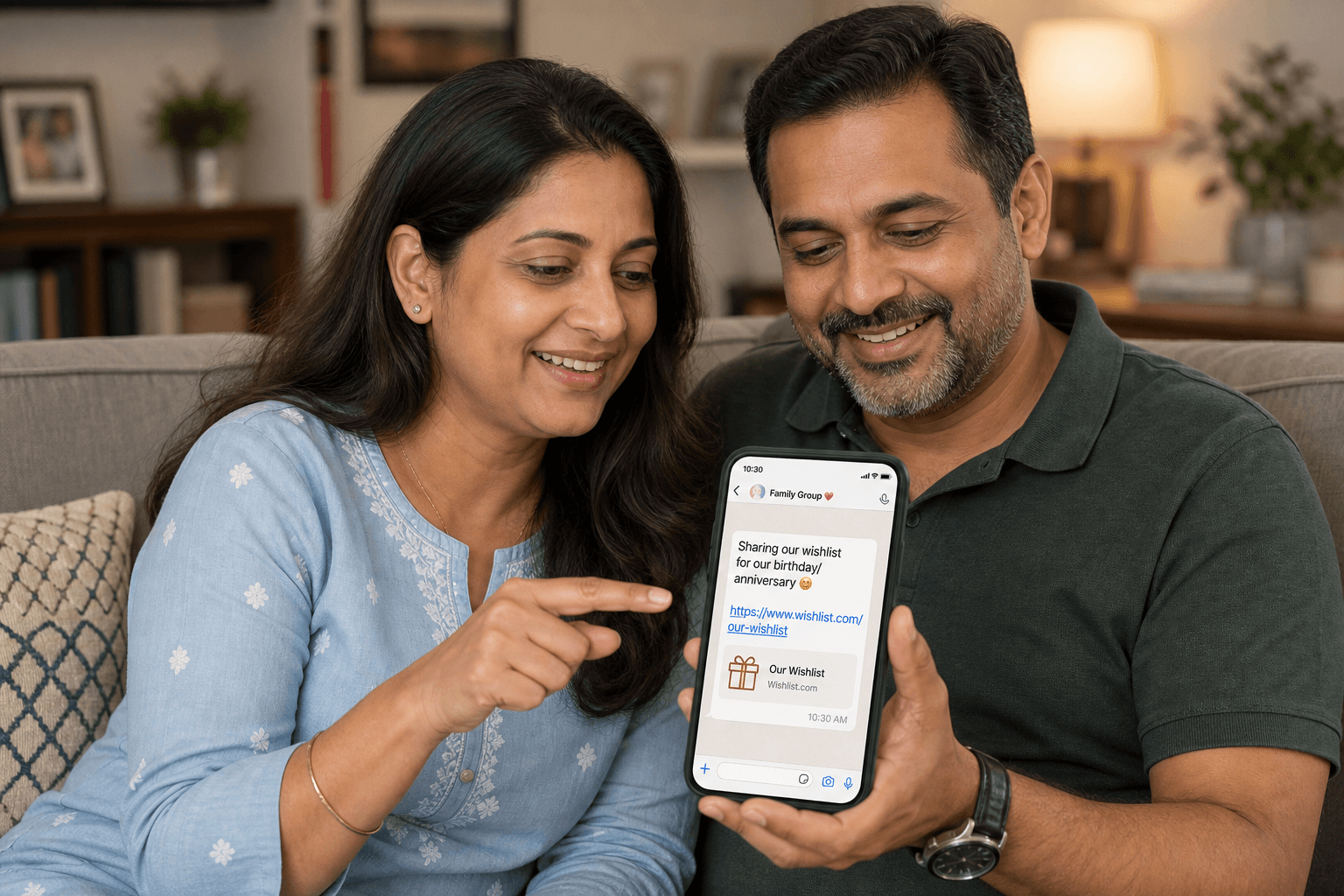
Got three minutes? Create the list and add at least one wish — you can fill in the rest later.
Create a list for the partyFor guests: grandma, uncle, friends’ parents
Someone sent you a link — here’s what to do, no “tech magic” required:
- Open the link in a browser on your phone or computer. You usually don’t need an account if the list is public.
- Pick a gift you’ll actually buy — not three “just in case” items.
- Tap “Reserve” — so others don’t buy the same thing. The list owner often doesn’t see who reserved what, to keep the surprise.
- Don’t tell the child who picked what — not even “it’s a secret, but peek”.
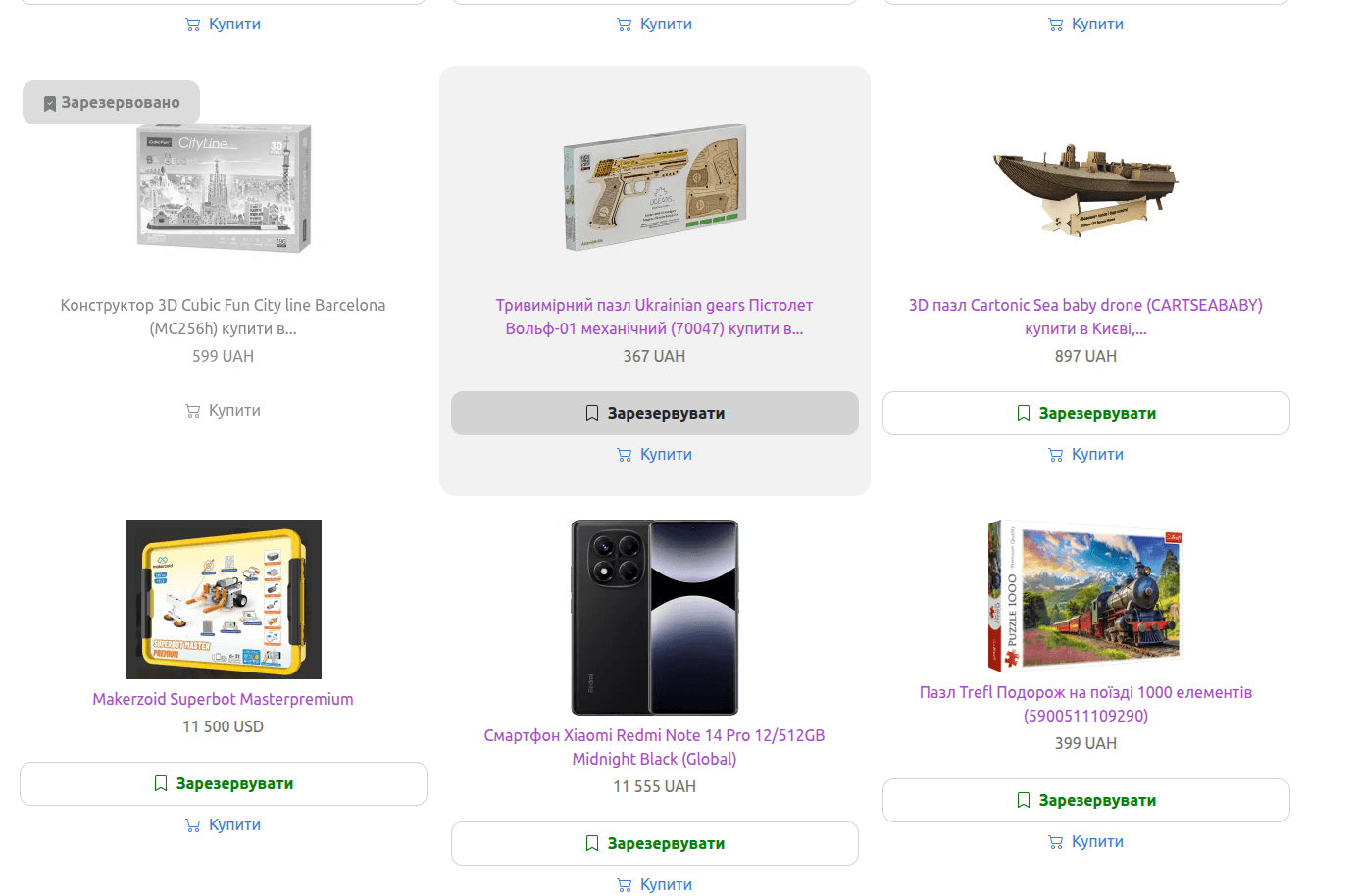
If the item is already taken
Choose another from the list or message the parents privately — don’t buy “the same one, but blue”. A small bookshop voucher beats a duplicate.
Ready-made text for the family chat (copy and paste)
Copy, then swap in the name and age:
Hi! [Name] is turning [age] soon. To avoid duplicate gifts and make choosing easier, we put together a wishlist: [link]. Sizes and notes are there. Expensive gifts aren’t expected — we’re happy with small things too. If you pick something, please mark it on the list. Thanks for celebrating with us!
How not to spoil the surprise or pressure the budget
- Don’t post the link on the child’s public profile — only in adults’ chats.
- Don’t comment “that’s too cheap” on the list — parents curated it on purpose.
- If someone bought without reserving — kindly ask them to use the button next time; it’s a habit, not a fight.
Who sees what via the link is explained on the wishlist privacy page.
Common situations
Daycare and home — one list or two?
Either works: one list with labels in item descriptions (“for the group”, “for home”), or two wishlists with different links.
Age 3 vs age 12 — different lists?
Yes — priorities change. Better a fresh list for each big birthday than one “from 2019”.
Do you need an account?
Guests viewing a public list — usually no. Parents can build the first list and share the link without signing in; for multiple lists and edits, a verified account is more reliable.
Can you mix shops?
Yes — links from different sites are exactly what a wishlist is for.
Greeting separate from the list
On WishTo.pro you can also make a personal greeting with a card — handy to send with the list link or after the party.
Start today
Don’t wait for the “perfect” list. Add three things your child loves right now, send the link to one relative as a trial, and refine after the first reply. A live list of five items beats a polished draft that never leaves your notes app.