AI personal greetings with sound and animation in two clicks: how it works on WishTo.pro
Three dots linger in the chat, the calendar nudges you about a colleague’s birthday, and you are still rewriting the same sentence for the fifth time. Not because you do not care — but because you want to sound human, not like a template from the web.
On WishTo.pro, the greeting generator builds a personal message for you: tuned to the name, occasion, and tone. Then you can add sound and animation — so you send not a dry paragraph, but a small “card” that feels good to drop in a messenger or a feed. And yes, the basic flow is literally two clicks between the idea and a ready result.

Why “just write three sentences” is often harder than it sounds
Your brain spends energy not on warmth but on word choice: warm but not cheesy; playful but not clumsy; professional but not cold. Here, AI is not a replacement for you — it is a fast co-writer: it suggests wording, and you decide what to keep, tweak, and how to sign off.
If you also use a wishlist on WishTo.pro, the celebration stays in one rhythm: what to give — one link; how to greet — a separate card.
What we mean by “personal”
It is not mind-reading. Personalisation shows up when you give context: who the recipient is, what the event is, whether to use their name, and whether warmth, humour, or a business-appropriate tone fits. The more specific the input, the fewer edits in the final text.
Who it usually works well for
- Family and close friends — birthdays, anniversaries, weddings, christenings, or “just thinking of you.”
- Colleagues and clients — professional holidays, thanks for a project, a warm sign-off in an email.
- Yourself as a draft — generate a few variants, mix paragraphs, add details from real life.
The best greeting is one you are not embarrassed to read out loud — even if an algorithm helped shape it.
Try it now: go through the form once — and see right away how your greeting sounds and looks with the full layout.
Generate a greetingSound and animation: why bother if you already have text?
Text carries meaning; sound and motion carry mood. A short audio bed or an animated card works where plain letters feel too stiff — for example in a family chat or a message to a child.
This is not an hour-long film: it is usually a compact format you open once on a phone and happily forward.
“Two clicks” — marketing or reality?
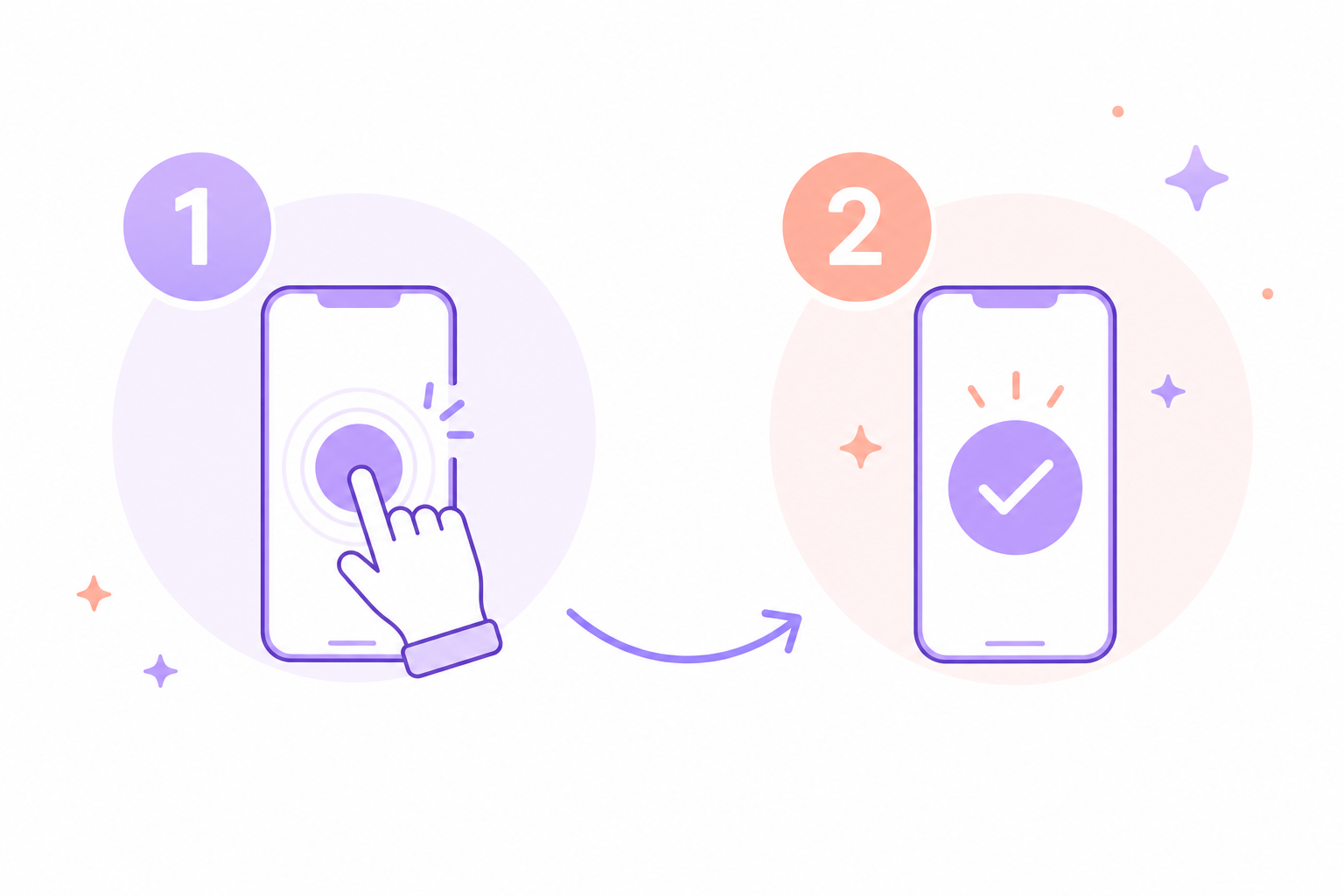
Reality in the sense that the main path is short: pick parameters, get a result, share a link or export if you want. The second “click” is often not editing — it is deciding “yes, I am sending this.”
If you want to polish every comma, you can always come back later. For a typical “greet today and stay on their radar,” speed is what saves you.
About signing in
You can make your first greeting without signing in — open the generator and try it. Guests can open a finished greeting link without logging in if you shared it yourself.
For more greetings, edits, and cards that survive a new phone or cleared browser data, use a free account with a verified email. Already tried as a guest? Register or log in to attach your trial result to your email.
Tune the greeting to you
You can fine-tune the delivery, add or remove effects, so it sounds and looks the way you intended — from a restrained card to a bolder layout.
The recipient’s hobbies and interests
If you mention what they care about — running, knitting, travel, board games, music, or anything from your shared history — the greeting gains new colour: fewer generic lines, more details they recognise instantly.
Your own words — styled in WishTo
You can skip wording generation entirely, write fully custom copy, and still style it in WishTo: add sound, animation, and a neat page to share — without pasting from a notes app into a chat with broken formatting.